MexRes for residents
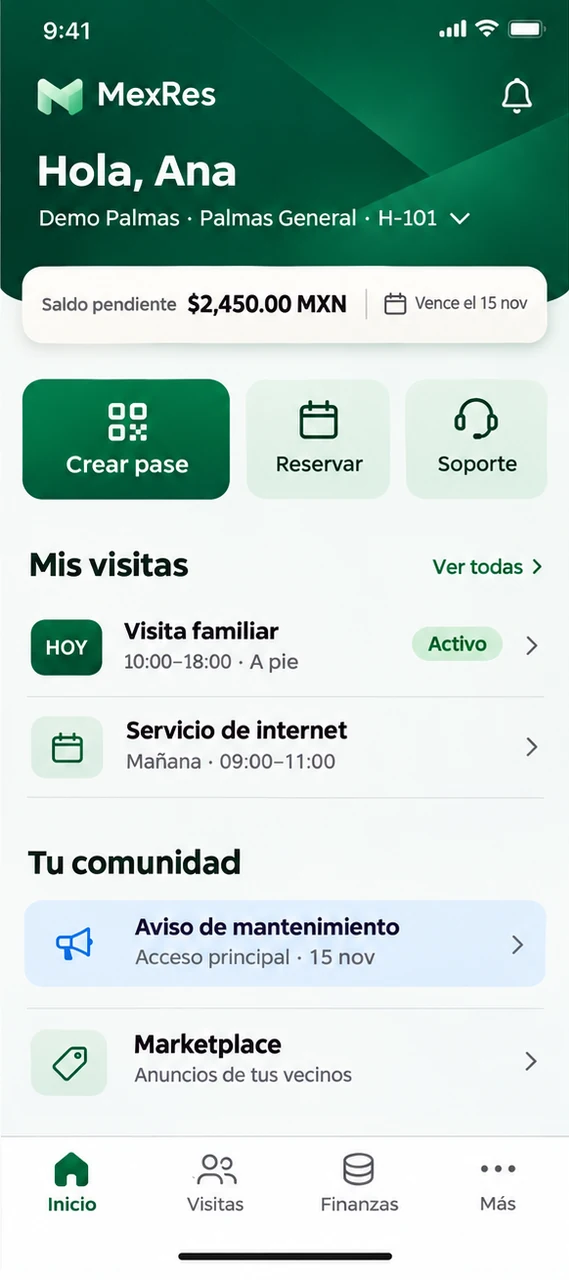
Create visitor passes, reserve amenities, check balances, and read community notices from a phone.
 MexResidencial
Residential management software
MexResidencial brings together community administration, residents, and security teams in Mexico. Manage properties, finances, notices, and visitor access with tools tailored to each role.
Follow a visitor pass through the resident app, the gatehouse, and the administration dashboard.
The resident enters the visit details in MexRes and shares the QR pass with their guest.
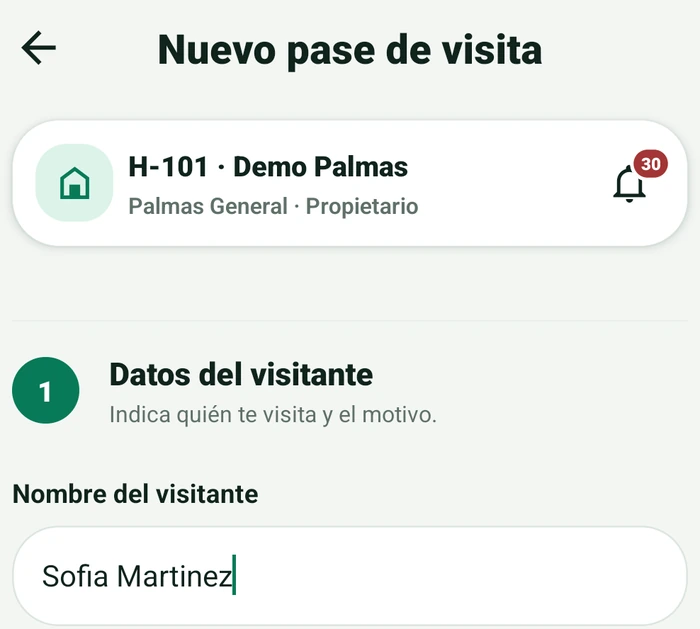
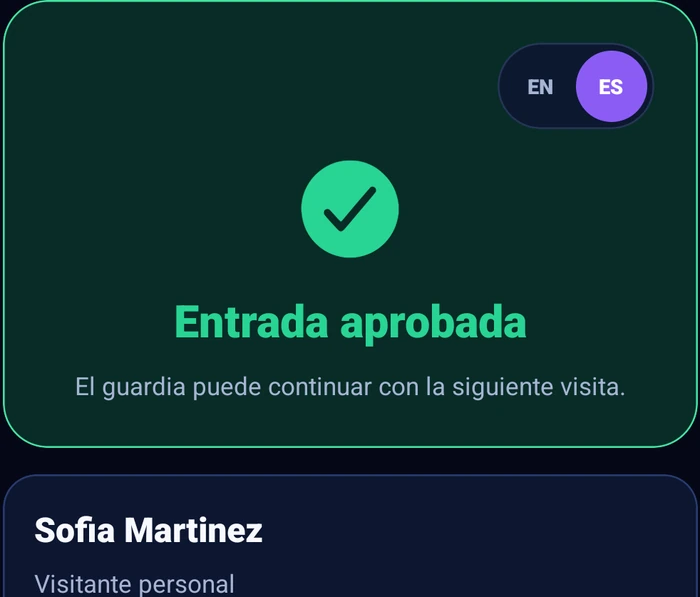
At the gate, security checks the pass in MexGuard and records the entry once the visit is approved.
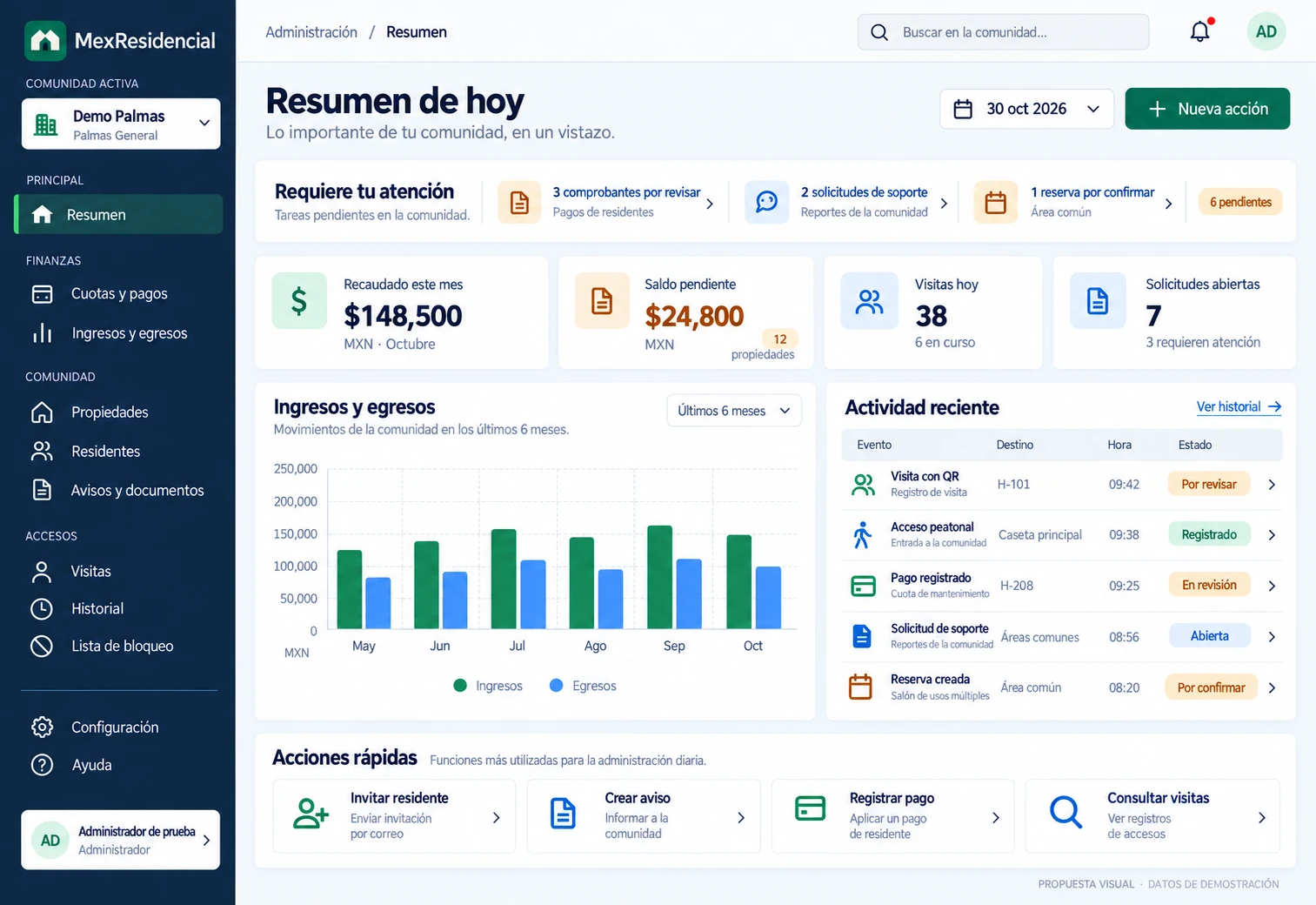
The dashboard shows the recorded arrival and departure, so authorized staff can follow up from the same history.
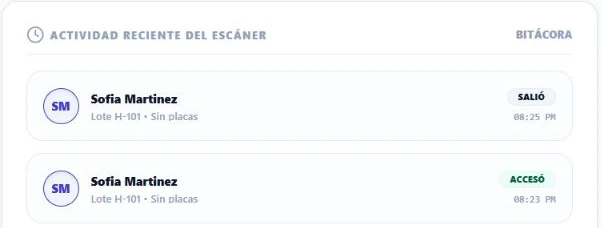
Recorded in Demo Palmas with fictional data. The interface shown is in Spanish.
Manage property records, resident information, dues, notices, documents, maintenance reports, and permits. The dashboard also gives authorized staff a view of community access activity.
View full dashboard designCreate visitor passes, reserve amenities, check balances, and read community notices from a phone.
Check visitor authorizations, record arrivals and departures, and review activity for the assigned gate.
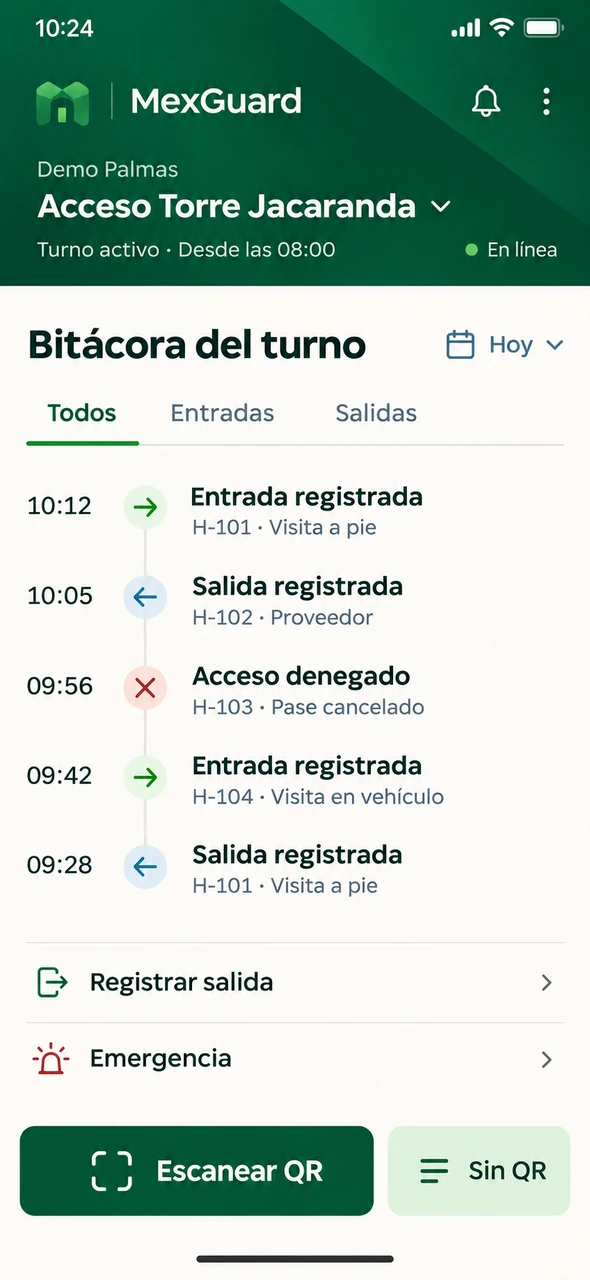
Mobile design previews with sample data. Features are configured for each community.